 Later Prompt Queue
Save that prompt
for later.
Later Prompt Queue keeps prompts in the Codex Desktop sidebar. Save one while you work, then bring it into your draft when you’re ready.
See how it works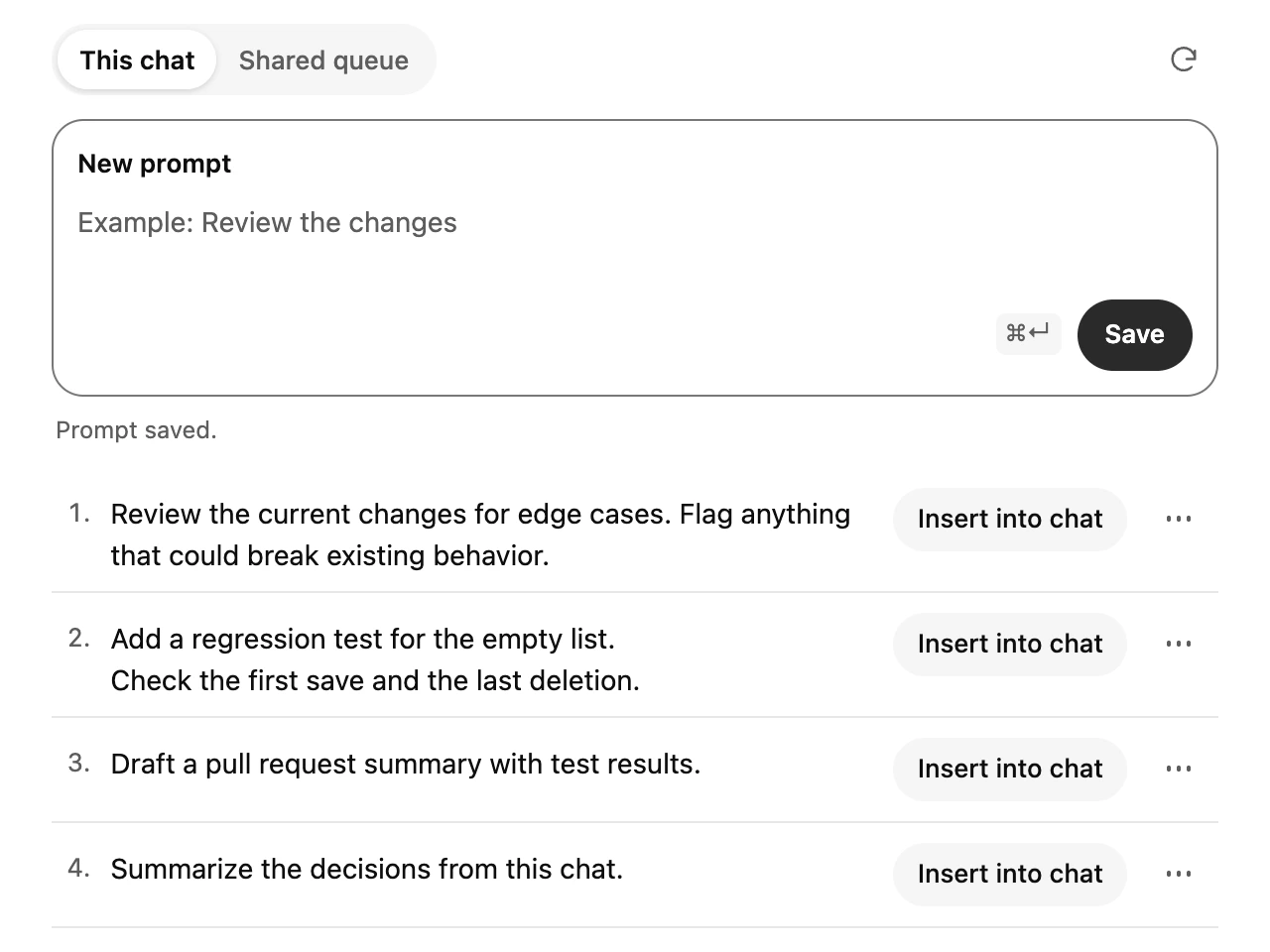
A queue for your next move
Use Later with local chats in Codex Desktop. A local installation requires Python 3.9 or later.
Save a prompt
Choose This chat for a chat-specific list or Shared queue to reuse it across local chats.
Put it in order
Use the row menu to edit, move, or delete saved prompts. Your queue is stored on this device.
Bring it into your draft
Select Insert into chat to add the text to the active draft. Review it and send it yourself in Codex.